

Are you stuck choosing between manual and automation testing?
Spoiler alert: it’s not an either-or situation! 🎯
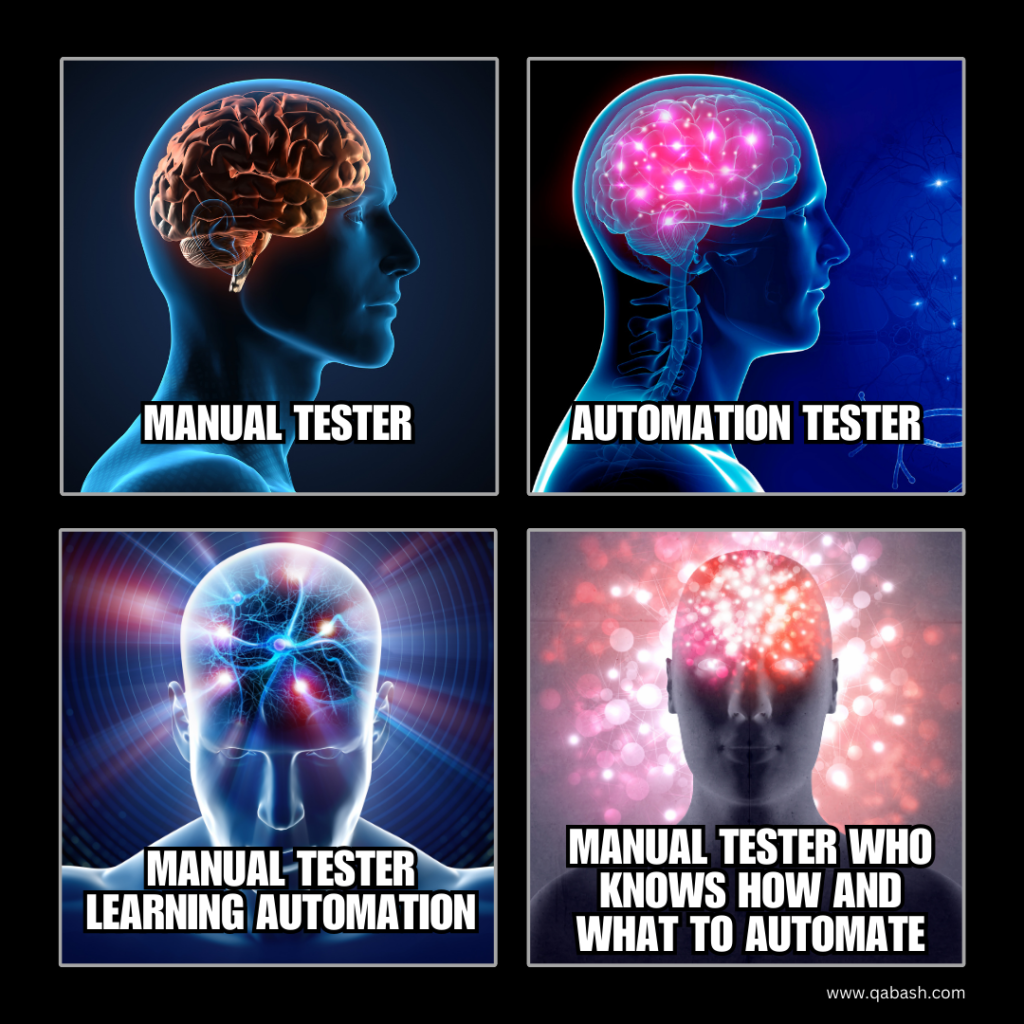
To thrive in software testing, you need to master both approaches. The real secret sauce involves not just knowing how to automate. It’s about knowing when to automate and what to leave for manual testing. In a field that’s constantly evolving, being versatile is the key to a long, successful career. 💻
Let’s dive into some essential tips. They will help you navigate the complex world of testing. This applies whether you’re a newbie or a seasoned pro. These 20 tips will take you from good to great, making you adaptable, efficient, and always ahead of the game.
Why Both Manual and Automation Testing Matter?
It’s tempting to think automation is the ultimate solution to all your testing problems. But here’s the truth: manual testing still plays a vital role in areas like exploratory testing or testing for usability—things machines just can’t do as well as humans (yet!).
On the other hand, automation saves time and reduces human error when it comes to repetitive tasks like regression testing. Knowing how to balance both approaches is what separates the pros from the amateurs.
💡 20 Essential Pro Tips for Testers
Ready to level up your testing game? Here’s a list of 20 essential tips to help you succeed as a software tester:
| Tip | Explanation |
|---|---|
| 1. Understand the Product Inside-Out | Get familiar with the product you’re testing. If you don’t understand how it works, how can you test it effectively? |
| 2. Think Like the User, Not Just the Tester | Always approach testing with the end-user in mind. After all, they’re the ones who will actually use the product! |
| 3. Prioritize Risk-Based Testing | Focus on areas where bugs could cause the most harm. Prioritizing based on risk ensures critical issues are caught early. |
| 4. Stay Updated with Testing Tools | The tools you use can make or break your workflow. Always be on the lookout for new tools that can enhance your efficiency. |
| 5. Master Both Manual & Automation Testing | The best testers know when to switch between manual and automation, based on what’s needed for the task at hand. |
| 6. Write Clear and Concise Bug Reports | No one wants to play detective with vague bug reports. Make your reports clear, concise, and informative. |
| 7. Collaborate Closely with Developers | Build good relationships with developers. A strong tester-developer collaboration makes bug-fixing faster and smoother. |
| 8. Automate Repetitive Tasks, But Not Everything | Automation is great for repetitive tasks, but don’t go overboard. Some things require the human touch! |
| 9. Always Test for Edge Cases | Edge cases are where software breaks! Don’t forget to test beyond the “happy path.” |
| 10. Keep Learning New Test Automation Frameworks | Technology changes fast. Stay relevant by keeping up with the latest automation frameworks like Selenium, Cypress, or TestNG. |
| 11. Validate Both Functional & Non-Functional Requirements | It’s not just about whether the software works, but how well it performs. Don’t neglect non-functional testing like performance or security testing. |
| 12. Use Exploratory Testing to Uncover Hidden Bugs | Sometimes, the best way to find bugs is to explore! Run unscripted tests to discover hidden issues. |
| 13. Know When Manual Testing is More Effective | Some tasks are better left to manual testing, like usability tests and exploratory sessions. Automation can’t replace human intuition. |
| 14. Plan Test Cases Before Coding Starts | Don’t wait until the product is built. Start writing test cases during the planning phase. |
| 15. Don’t Rely Solely on Automation Scripts | Automation scripts can fail unexpectedly. Always have manual backups for critical tests. |
| 16. Practice Continuous Integration & Testing | Use CI tools like Jenkins or Bamboo to ensure your code is continuously tested after every change. |
| 17. Document Your Testing Process | Keep clear documentation of your testing strategy, test cases, and results. It will save time later on! |
| 18. Optimize Your Test Environments | A good test environment is half the battle. Make sure your environments are as close to production as possible. |
| 19. Leverage Performance Testing Tools | Tools like JMeter or Gatling help ensure your application performs well under stress. |
| 20. Stay Curious, Always Dig Deeper! | Never settle for surface-level testing. Dig deep to find the root cause of issues! |
The Real Game-Changer: Knowing How, What, and When to Automate
Automation can be a huge time-saver, but it’s not a one-size-fits-all solution. Here’s how you can decide when to automate, and when to stick with manual testing:
| Manual Testing | Automation Testing |
|---|---|
| Exploratory Testing | Regression Testing |
| Usability Testing | Load/Performance Testing |
| Ad-hoc Testing | Repetitive Functional Tests |
| Complex Test Scenarios | Data-Driven Tests |
Key Strategies for Test Automation Success
Here are a few automation best practices to make sure you’re on the right track:
- Start Small: Don’t try to automate everything at once. Begin by automating tests for high-priority and repetitive tasks.
- Use the Right Tools: Ensure that you’re using the right automation tools for the job. Popular tools include Selenium, Appium, and Cypress.
- Maintain Your Scripts: Automation scripts aren’t set-and-forget. They require regular updates to stay relevant and useful.
- Automate for Scalability: Always write your automation scripts with scalability in mind. Ensure they can handle an increasing amount of test data and cases.
FAQs About Manual and Automation Testing
- Q: Is manual testing still relevant in today’s automated world?
A: Absolutely! Manual testing is essential for areas like exploratory, usability, and ad-hoc testing, which require human insight. - Q: How do I decide what to automate?
A: Automate repetitive, time-consuming tasks like regression tests. But for tests requiring intuition and creativity, manual testing is more effective. - Q: What tools should I use for test automation?
A: Some of the top tools are Selenium, Cypress, and Appium for functional testing. For performance, you might use JMeter or Gatling. - Q: Can I rely solely on automation?
A: No! Automation is helpful but not foolproof. You’ll still need manual testing for complex, user-focused areas of the product. - Q: How can I improve my testing skills?
A: Keep learning! Stay updated with new tools, frameworks, and best practices. Experiment with both manual and automated testing techniques.
Conclusion
Mastering both manual and automation testing is the ultimate skillset for today’s software testers. It’s not about choosing one over the other but understanding when to use each effectively. Stay adaptable, keep learning, and remember: the key to success lies in knowing when and what to automate.
Ready to take your testing career to the next level? Start mastering both manual and automation techniques today!
🔥 Level Up Your SDET Skills 🔥
Monthly Drop : Real-world automation • Advanced interview strategies • Members-only resources

