Kane CLI's 3 Modes: TUI, Non-Interactive, and Agent Mode

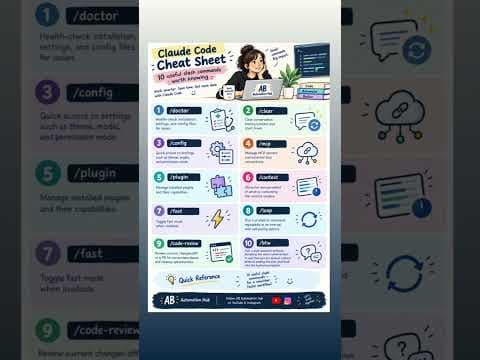
Kane CLI has 3 modes: TUI, non-interactive, and agent mode. Here's how each one works, so you can pick the right way to run browser tests from your terminal. 1. TUI mode: an interactive terminal app. Type a plain-English step, like "go to wikipedia.org and click the English link", watch it run live, then keep adding steps in the same session. 2. Non-interactive CLI: one kane-cli run command that runs start to finish and prints a clear pass/fail summary. Great for scripts and quick checks. 3. Agent mode: add --agent (and --headless) so AI coding agents like Claude Code can run tests and read structured, step-by-step results. Same plain-English tests, three ways to run them, whether you're exploring by hand, scripting checks, or letting an AI agent verify its own work. Chapters 0:00 TUI mode: interactive testing in the terminal 0:20 Non-interactive CLI: one command, full run 0:44 Agent mode: Kane CLI with Claude Code #KaneCLI #ClaudeCode #AIAgents #TestMuAI #QA Start Free Testing: https://www.testmuai.com/register/?utm_source=youtube&utm_medium=organic&utm_term=ojfd7xbDEaE&utm_campaign=youtube_organic


Join the discussion
Sign in to join the discussion
Sign in