Wondershare DrFone Review (2026) I Recovered Deleted WhatsApp Chats From My iPhone

🔥 Recover deleted whatsapp history with Dr.Fone: https://bit.ly/4sjlMR5 Learn how to recover deleted WhatsApp messages on your iPhone. Follow this guide to retrieve lost chat history using Wondershare Dr. Fone. Losing important conversations on WhatsApp is a significant issue, especially when those messages contain critical work or client information. Since standard iPhone backups do not always allow for selective restoration, many users struggle to get specific data back without resetting their entire device. This walkthrough demonstrates how to use specialized software to scan your phone specifically for deleted WhatsApp data. I will guide you through the process of using Dr. Fone WhatsApp recovery to preview and select the specific chats you need to restore. This method focuses on efficiency, allowing you to target your missing information rather than performing a full system restore. Whether you accidentally deleted a message or experienced a data glitch, this approach helps you regain access to your conversations quickly. ⏱️CHAPTERS: 0:00 Wondershare DrFone Review 0:51 What Is Wondershare Dr.Fone 2:09 How It Works 5:03 Is It Worth It? OTHER VIDEOS: https://www.youtube.com/watch?v=Bt6XbUVtq58 https://www.youtube.com/watch?v=fYDIk5wkNaY Note: Some links are affiliate links that help the channel at no cost to you. This video was sponsored by Wondershare. #ad #drfone #wondersharedrfone
More like this

Smarter Models Killed the Harness. Here's What's Left — Jediah Katz, SpaceXAI

5 Best eSIMs for International Travel (2026) - What to Know Before Buying
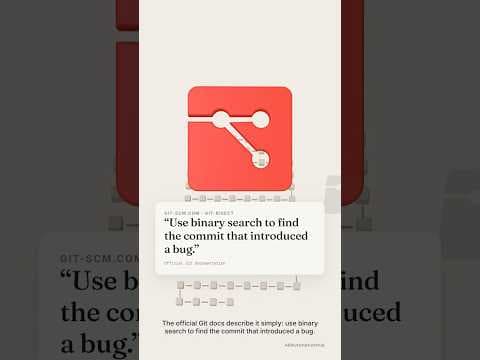
#git bisect: Find the Commit That Broke Your App in About 7 Steps

Spec-Driven Development with Claude Code - Full Course | Stop Beyond Vibe Coding in 2026
Join the discussion
Sign in to join the discussion
Sign in