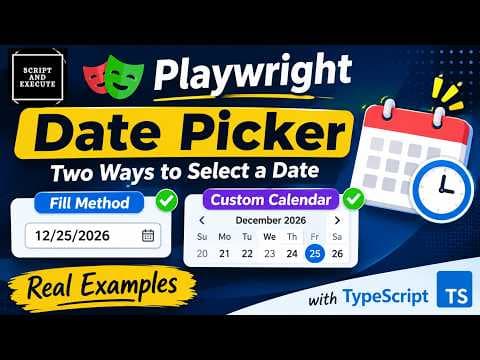
Playwright TypeScript | Get Current Date & Time and Validate Dynamically | Date Picker Challenge

In this video, we will learn how to get the current date dynamically using JavaScript and validate it using Playwright with TypeScript. Instead of hardcoding today's date, we will use JavaScript's Date object to retrieve the current date and time. In this practical challenge, you will learn: - How to create a JavaScript Date object using `new Date()` - How to extract the current day, month, and year - How to use `getDate()`, `getMonth()` and `getFullYear()` - Why JavaScript months are zero-based - How to use `String()` and `padStart()` to format dates - How to create a dynamic expected date using template literals - How to click a button and validate the displayed date using Playwright assertions This is a practical example of dynamic date validation that helps you write reusable and reliable automation tests without hardcoding dates. #Playwright #PlaywrightWithTypeScript #DatePicker #DynamicDateValidation #JavaScript #AutomationTesting #PlaywrightAutomation #SoftwareTesting #QAEngineer #WebAutomation **Subscribe to Script and Execute for more practical Playwright tutorials!**


Join the discussion
Have something to add?
Sign in to reply, follow this thread, and earn XP when your answer helps someone.