Shop/AI for QA Engineers: Getting Started
Freshers & career switchers · 0–1 yrs
AI for QA Engineers: Getting Started
Use AI tools in your testing work, with prompts that work and checks that keep you safe.
- By QA Bash
- 0–1 yrs experience
- Updated October 2026
- English
What you'll be able to do
- Explain in plain words what an AI model can and can't do for testing
- Write prompts that give you usable test ideas, cases and data
- Check AI output for invented details before it reaches your team
- Use AI at work without pasting anything you shouldn't
Kit contents
7 sections · PDF · 16 pages
Part 1 · How these tools actually workPlain-English basics
- Terms you'll hear, in one line each
- Why answers change and why that matters
- Why models make things up
Part 3 · Prompting that works for testersThe five parts of a useful prompt
- Before and after examples
- Habits that pay off
Part 4 · Ten workflows for everyday testing10 workflows · 30 prompts
- User story to test scenarios
- Boundary values and equivalence classes
- Bug reports from rough notes
- Realistic test data
- Logs and stack traces
- SQL for data checks
- API tests from a spec
- Manual case to automation skeleton
- Reviewing your test cases for gaps
- Release notes and diffs for risk
Part 5 · Verify before you trustChecklist
- Signs an answer is probably wrong
- Data you must not paste
- Working with your team
Look inside
Real pages from the download. Click to enlarge.
Free sample · from Part 1
Why models make things up
The model is built to produce a plausible continuation, not to say “I don't know”. When it lacks information it fills the gap with something that fits the pattern. Common cases in QA work: inventing config options or command flags for your tool version, describing how your application behaves when it has never seen it, and producing exact-looking numbers with no data behind them.
Requirements
- No coding or AI experience needed
- Any AI chat assistant (free tiers work)
- Any PDF reader
Description
How AI tools work in plain terms, where they help testers and where they hurt, and ten everyday testing workflows with ready prompts.
- 10 testing workflows with 30 ready prompts
- A checklist for verifying AI answers
- What never to paste into an AI tool
- A 30-day practice plan
Who this kit is for
- Freshers and manual testers new to AI tools
- Testers whose team has started using AI and want to catch up
- Anyone who wants practical prompts, not theory
Who it's not for
- Automation engineers wanting tool setup: see Claude Code for Testers or Cursor for Test Automation
Frequently asked questions
How do I get the files?
Instantly. After payment the Download button appears on the product page and in Dashboard → Purchases. You can download again any time while your account is active.
What payment methods can I use?
UPI, debit and credit cards, net banking and wallets — processed securely by Razorpay. QA Bash never sees your card or bank details.
Is it a subscription?
No. You pay once and keep it.
Can I get a refund?
Digital files can't be returned once downloaded, so sales are final after download. If you haven't downloaded within 7 days, or a file is broken and we can't fix it, you get a full refund. See the refund policy for details. Refund policy →
Can I use it at work?
Yes — for your own learning and in your own or your employer's projects. Please don't share or resell the files.
Is everything else on QA Bash still free?
Yes. Learning paths, tools, Testathon, certificates and the community stay free. The shop is optional.
More kits from QA Bash
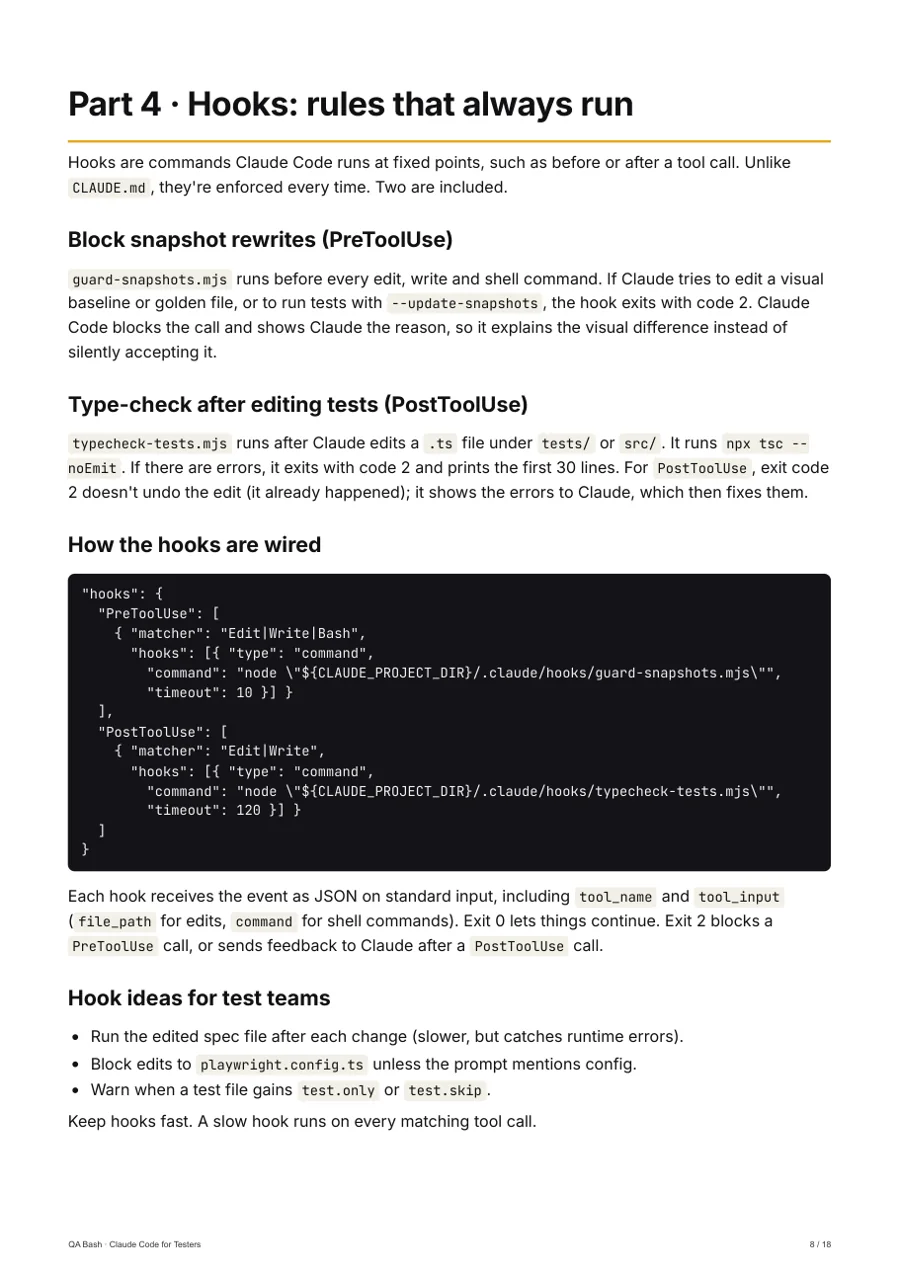 13 template files
Claude Code for Testers
QA Bash
Set up Claude Code in a test repo with instructions, permissions, hooks and skills that keep it honest.
₹599₹74920% off
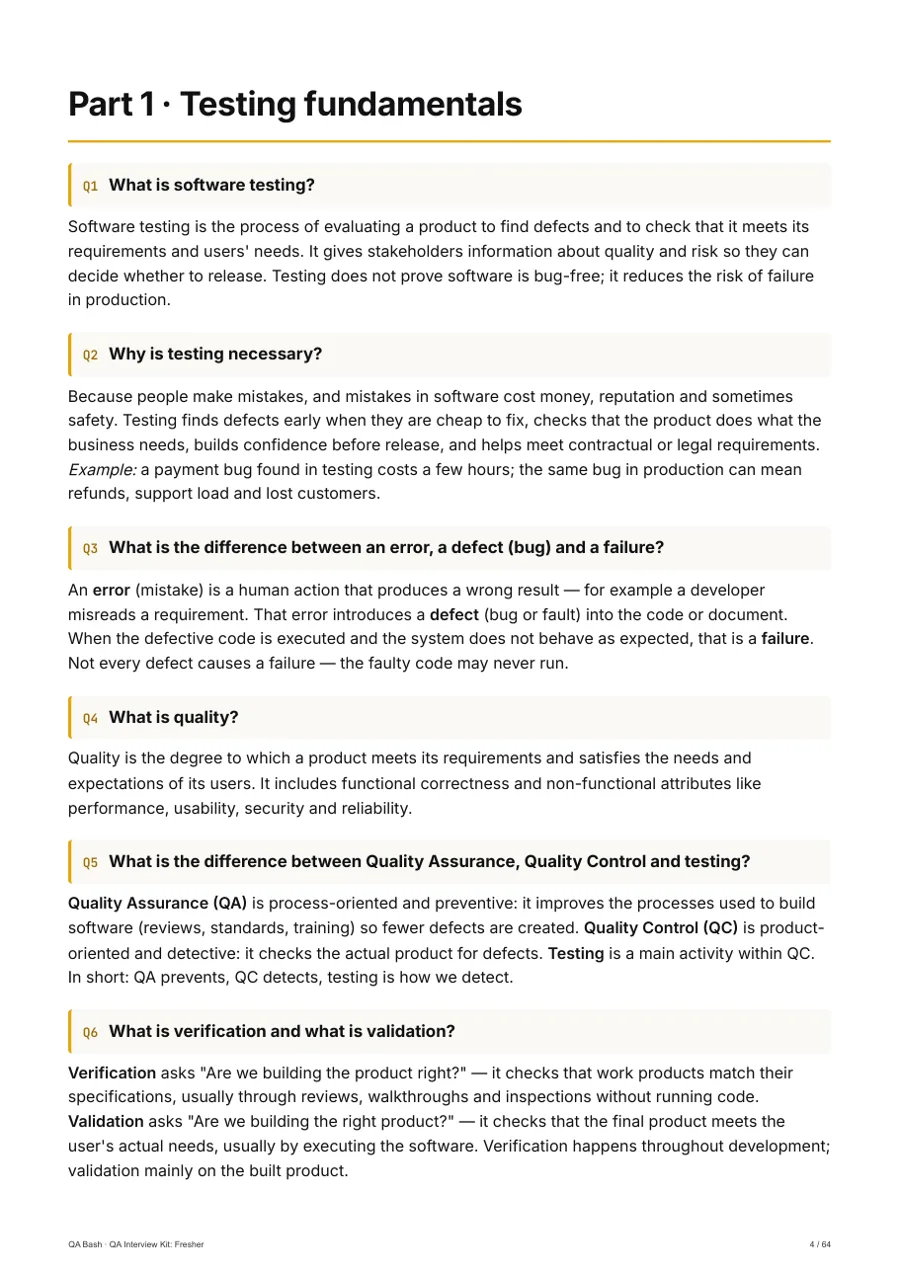 300 interview Q&A
QA Interview Kit: Fresher
QA Bash
Walk into your first QA interview prepared, not guessing.
₹299₹37420% off
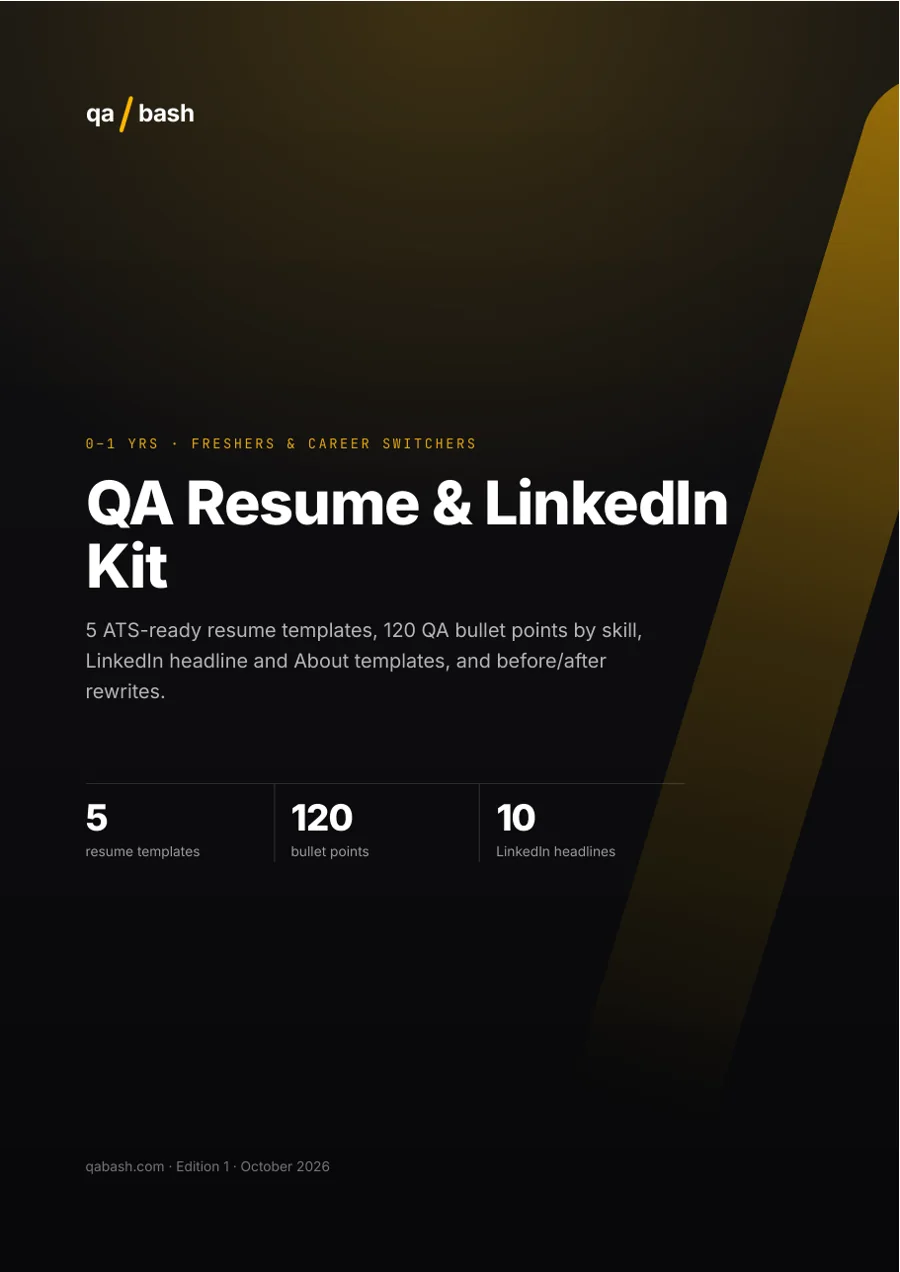
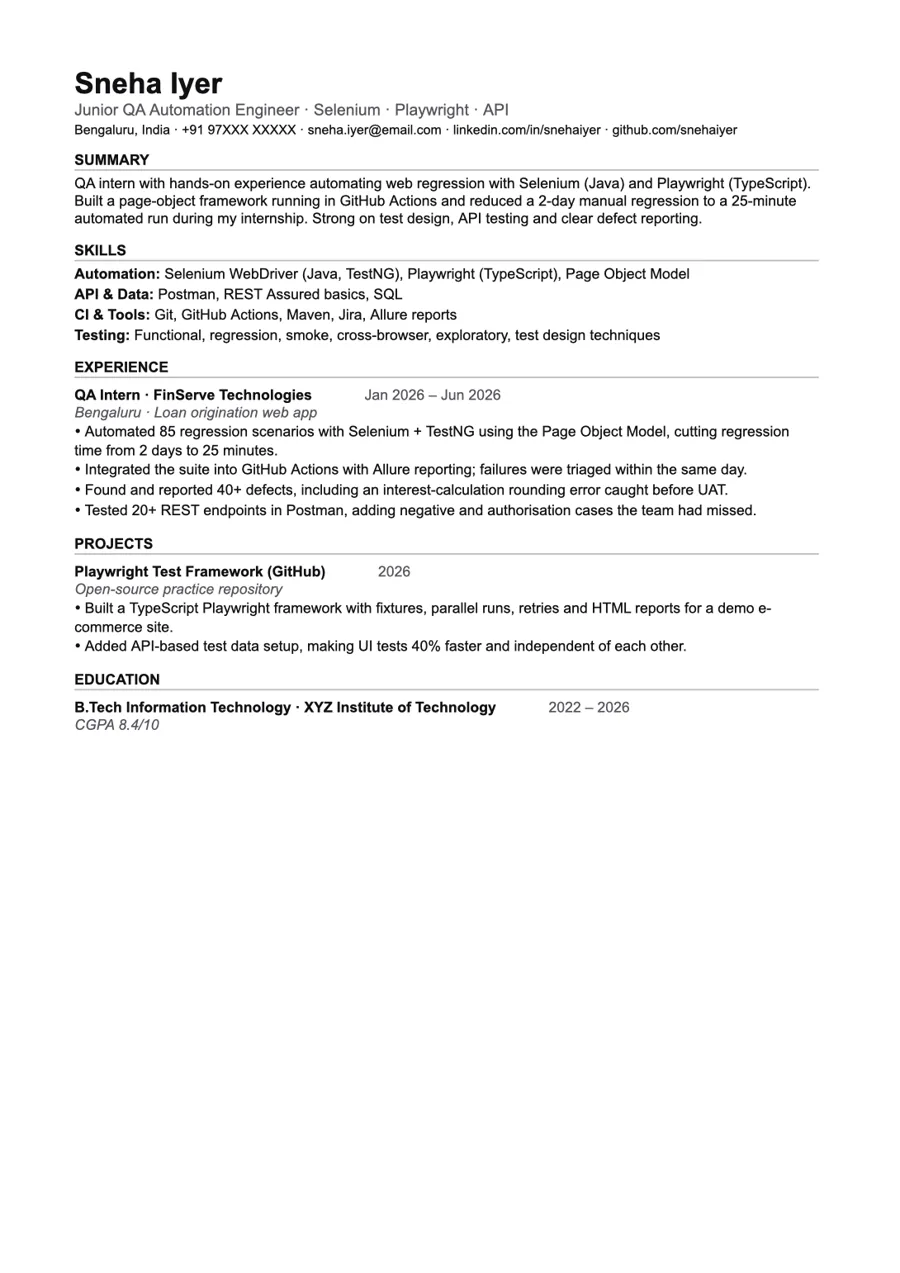 5 ATS-ready templates
QA Resume & LinkedIn Kit
QA Bash
ATS-ready resumes that make recruiters stop scrolling.
₹199₹24920% off