Playwright in Action #1 | Web Tables Tutorial | Rows, Columns & Headers for Beginners

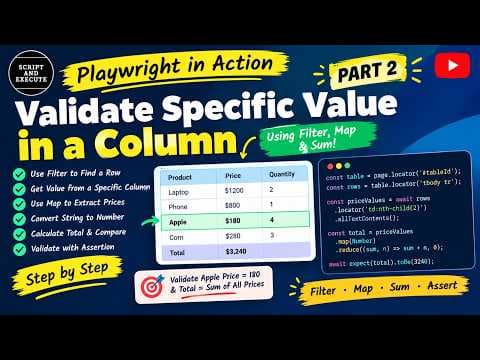
Welcome to Playwright in Action – Part 1! 🚀 In this video, we're starting with one of the most useful concepts in web automation testing: Web Tables in Playwright. This tutorial is designed for absolute beginners who want to learn how to locate and interact with web tables using Playwright and JavaScript. Instead of just learning theory, we'll explore a practical example and understand how to identify table elements and validate table headers. 📌 What you'll learn in this video: ✅ How to inspect the HTML structure of a web table ✅ Understanding HTML table elements: `table`, `tr`, `th`, and `td` ✅ How to locate table rows and header elements using Playwright ✅ How to highlight table headers, rows, and columns using browser developer tools ✅ How to count table rows and headers ✅ How to validate table headers using Playwright's `toHaveText()` assertion 🎯 Who should watch this video? - Beginners learning Playwright automation testing - Manual testers transitioning to automation testing - Automation testers preparing for Playwright interviews - Anyone who wants to improve their practical web automation skills 💬 **Suggest the next topic!** What would you like me to automate next in the *Playwright in Action* series? Frames, alerts, dropdowns, calendars, multiple tabs, or another web element? Let me know in the comments. Your suggestion might become the next episode! If you find this video helpful, please like, share, and subscribe to support the channel. Thanks for watching, and happy testing! #Playwright #PlaywrightAutomation #AutomationTesting #WebTables #SoftwareTesting


Join the discussion
Sign in to join the discussion
Sign in