Playwright MCP with GitHub Copilot | AI Agent Creates, Runs & Fixes Tests

In this video, we will explore Playwright MCP with GitHub Copilot and see how an AI Agent can work with Playwright to create, execute, analyze, and fix automated tests. In my previous video, we looked at AI Agents with Playwright and GitHub Copilot. In this video, we take it one step further by using Playwright MCP. We will cover: ✅ What is Playwright MCP? ✅ How to install Playwright MCP in VS Code ✅ How GitHub Copilot Agent works with Playwright MCP ✅ How an AI Agent can interact with a real browser ✅ Creating a Playwright test using an AI Agent ✅ Saving the generated test in our Playwright project ✅ Executing the test in Chromium ✅ Running the browser in headed mode ✅ Analyzing a Playwright test failure ✅ Identifying and fixing a locator issue ✅ Running the test again after fixing the issue We will use practical examples to understand how MCP changes the way an AI Agent can work with Playwright. The important point is that MCP is not Playwright itself. MCP provides a standard way for the AI Agent to communicate with external tools, while Playwright MCP exposes Playwright's browser automation capabilities to the Agent. By the end of this video, you will have a clear understanding of how Playwright MCP can be used for AI-powered browser automation and test automation. If you are learning Playwright, automation testing, AI Agents, or AI-powered test automation, this video will give you a practical introduction to Playwright MCP. Don't forget to Like 👍, Share, and Subscribe to Script and Execute for more Playwright, Automation Testing, API Testing, BDD, CI/CD and AI-powered testing tutorials. #Playwright #PlaywrightMCP #GitHubCopilot #AIAgents #AITesting #TestAutomation #AutomationTesting #PlaywrightAutomation #MCP #SoftwareTesting
More like this
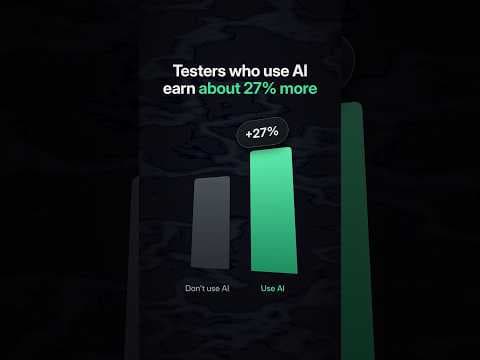
Only 68 days left in 2026. Upgrade yourself now !! Learn #ai
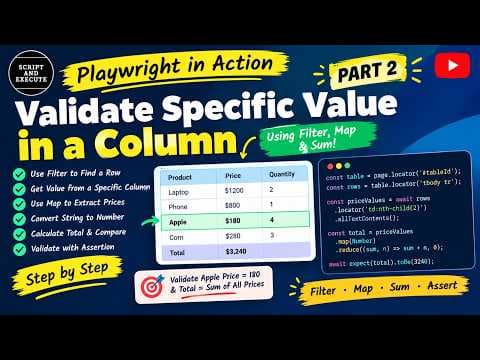
Playwright in Action #2 | Validate Table Values Using Filter & Map | Specific Table Cells
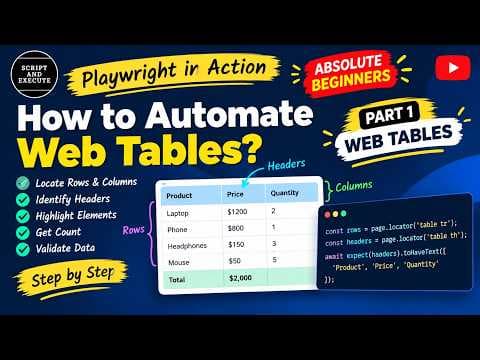
Playwright in Action #1 | Web Tables Tutorial | Rows, Columns & Headers for Beginners
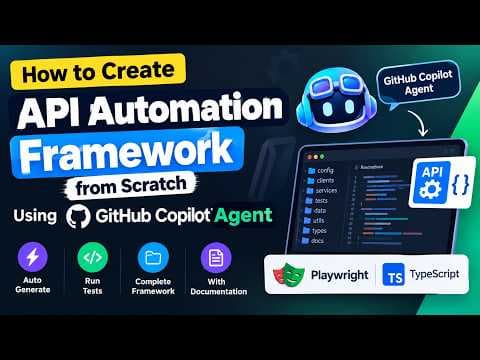
Create an API Automation Framework from Scratch Using GitHub Copilot Agent
Join the discussion
Sign in to join the discussion
Sign in